Hosted ondailyplanet.iovia theHypermedia Protocol

Profile page everywhere

    Description

    The Profile button on the Mobile Navigation Menu is terrible!
      Accounts on the Web

        Latest Designs

          Currently account picker and settings are located in the navigation side panel on the left of the application at the bottom. To maintain consistency its proposed that account setting are managed in the same location when it comes to the web.

          Web Computer

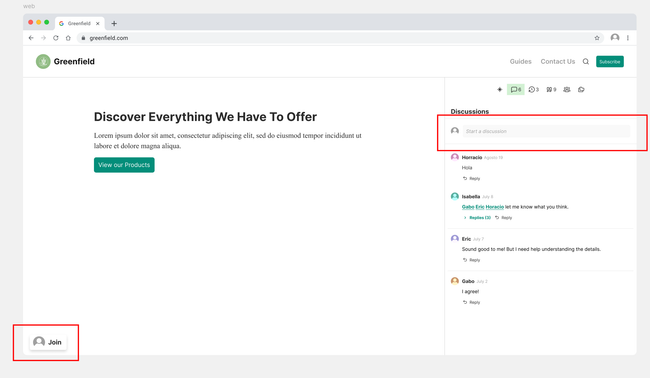
            An account will be able to be created by clicking the join button or by creating a comment without an account.

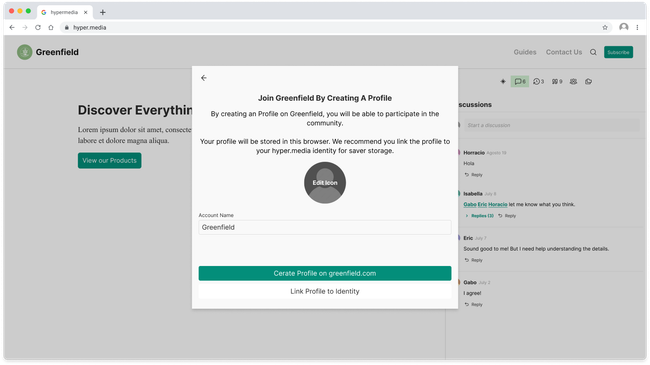
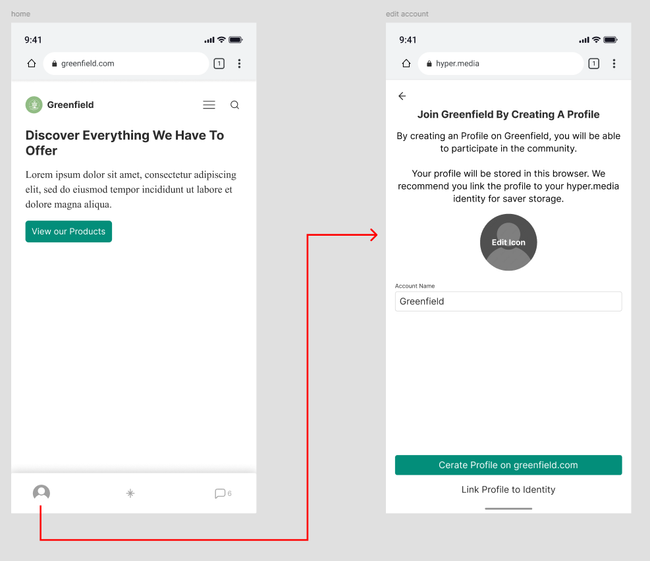
            To create an profile form scratch on the web it can be done in one of two ways though starting a comment or clicking the join button at the bottom. Both of this options will display a pop up inciting users to create a new profile on that domain.

            The pop up will give the user two option either to create a new profile if they don't have one in that domain or to link an existing identity that they have on the app to secure there web keys. If the user has the app already downloaded it will provide the flow along side the app to link the profiles to a single identity, if not, it will recommend you download the app to maintain your profile safe.

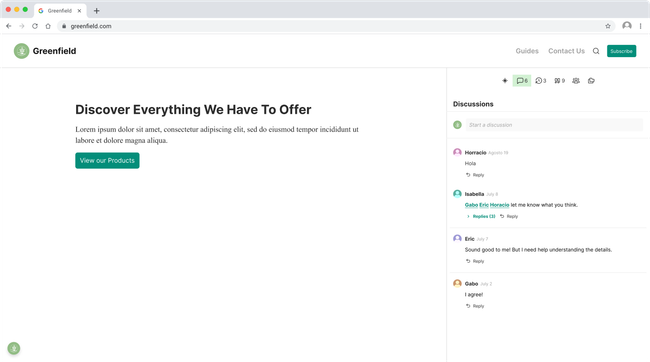
            Once they have created an account they will be able to access it form the same location as they joined at the bottom left corner.

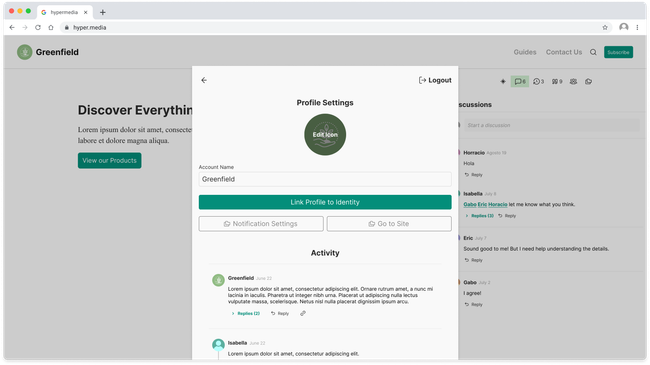
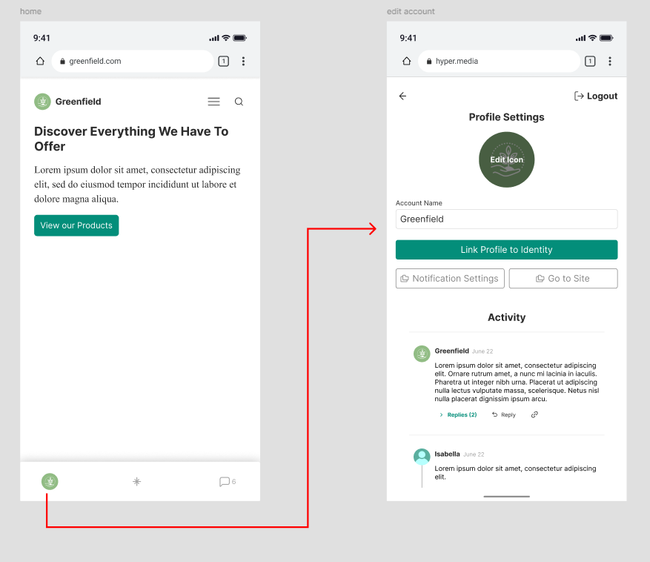
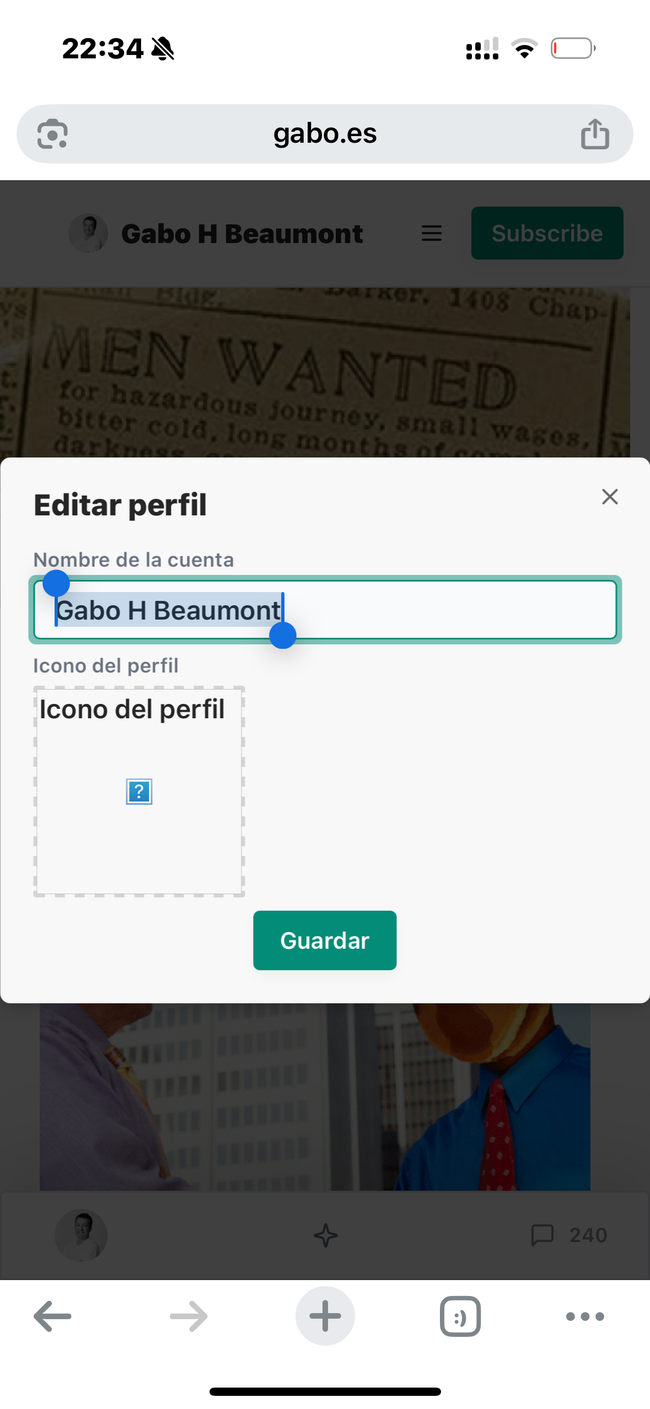
            If the user clicks on the icon they will be taken to their profile to change information like icon, name, notification setting and log out.

            The profile will also display the users activity on theta specific domain.

          Web Mobile

            The flow for mobile will be very similar to that of computer browser.