

Problem
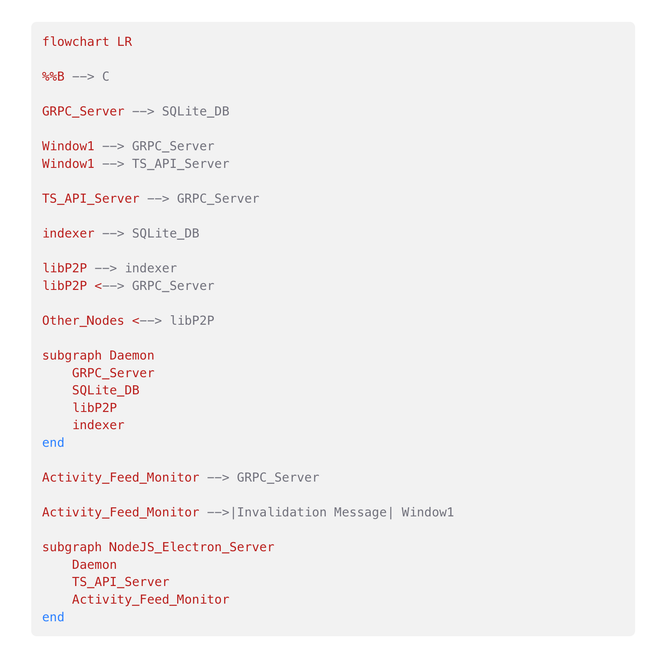
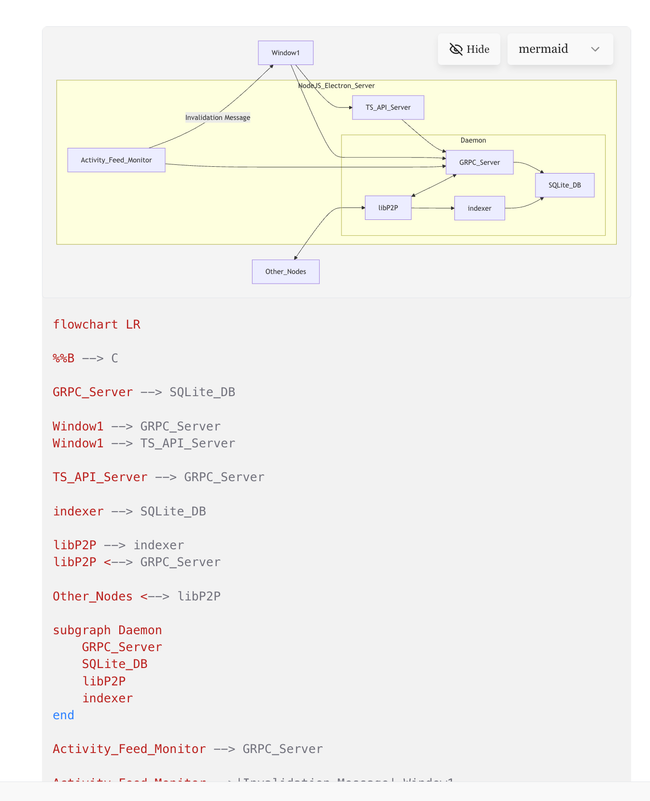
Mermaid currently appears to have two display states:
Code
Preview and Code
This means there is no way to show only the rendered Mermaid diagram.
For example, in a desktop data-flow document, the reader is forced to see the Mermaid source even when their primary goal is to understand the diagram visually.
Mermaid has two states: 1. Code and 2. Preview and Code.
Expected behavior
Mermaid blocks should support three states:
Preview
Code
Preview and Code
By default, Mermaid blocks should stay in Preview mode unless the user explicitly chooses to view or edit the code.
Why this matters
Most readers care about the rendered diagram, not the Mermaid syntax behind it. Showing the code by default adds visual noise and makes documents harder to scan, especially when the diagram is being used as explanatory content rather than editable source.
The code should still be available, but hidden until the user requests it.
Proposed solution
Add a Preview only mode for Mermaid blocks.
Suggested behavior:
Default state: Preview
Optional toggle/menu actions:
Show Code
Show Preview and Code
Hide Code / Preview only
Preserve the user’s selected state where appropriate.
Acceptance criteria
A Mermaid block can be displayed as rendered preview only.
Users can still access the Mermaid code when needed.
Mermaid blocks do not show source code by default in reader-facing contexts.
Existing “Code” and “Preview and Code” modes continue to work.
Do you like what you are reading? Subscribe to receive updates.
Unsubscribe anytime