


We are going to be crating memberships for user to be able to join communities.
Membership Permission
Membership permission settings of a site will only be accessible to the publisher/ owner of this site and they will be the only ones that will be able to change this settings.
Option 1. Membership Permission Panel
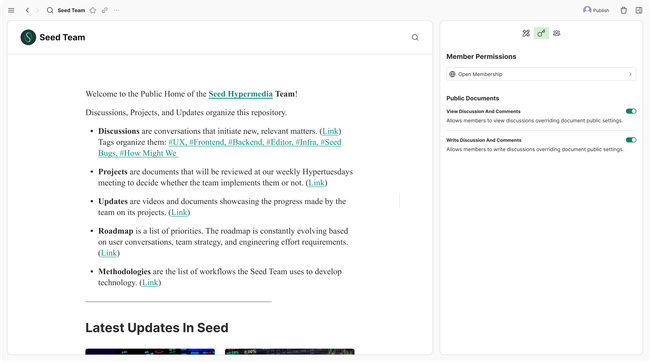
Option 2. Membership Permission on Account Settings
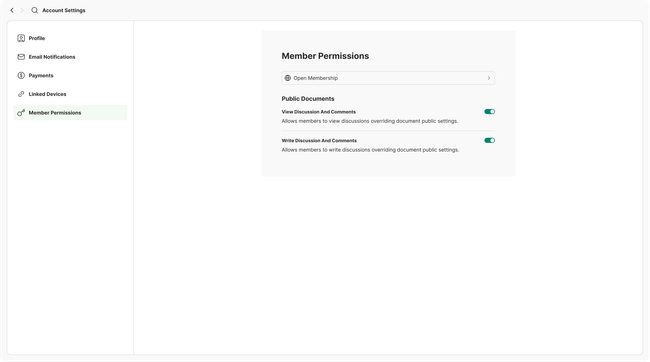
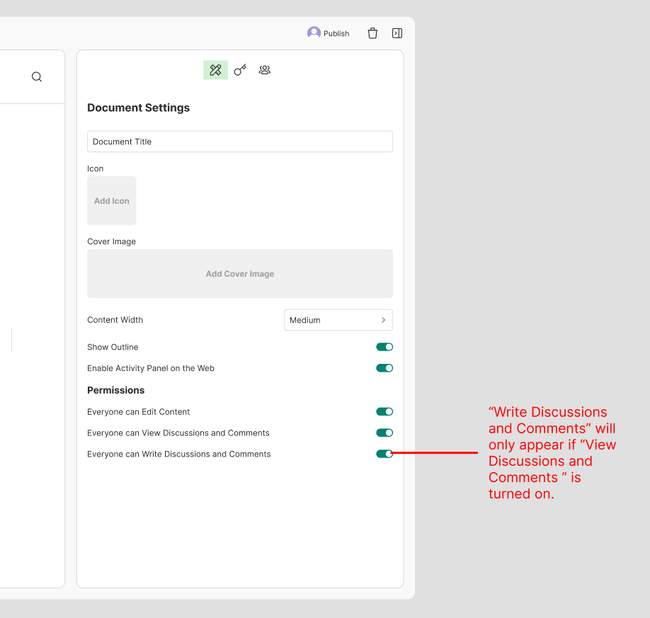
No matter which option we choose in terms of location, as we will be starting with only open documents, we will only need the permission type and the part of the public document settings.
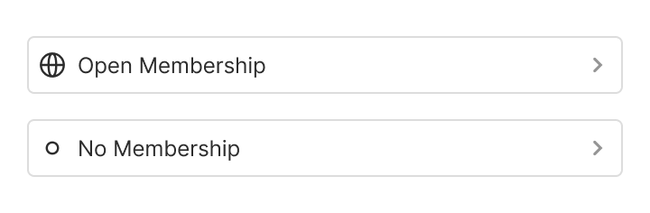
Membership can be set to 3 states showed in a dropdown menu, we will be starting with 2 of them.
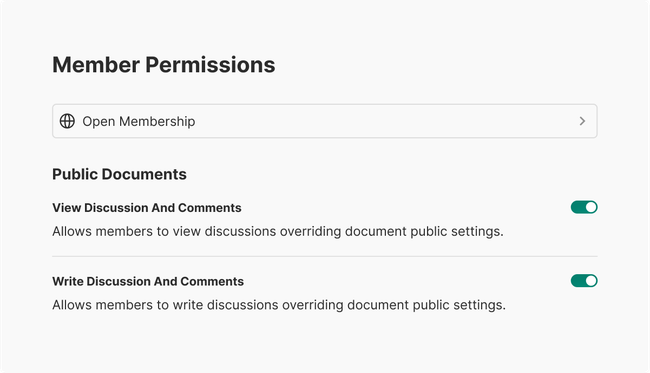
Settings for Public Documents
Joining Experience For Users
The parameters of how strict or how permissive the member role provided to the user by joining will be determined by the sites administrators.
Joining Open membership
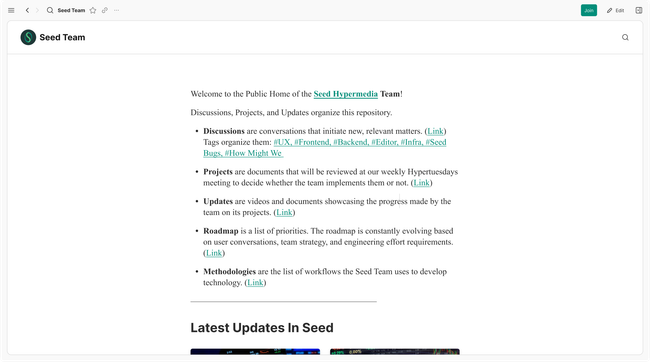
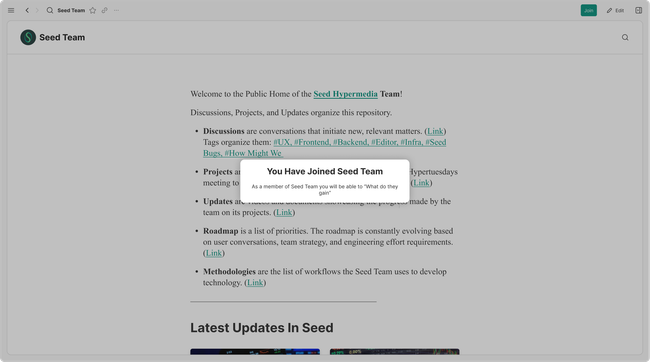
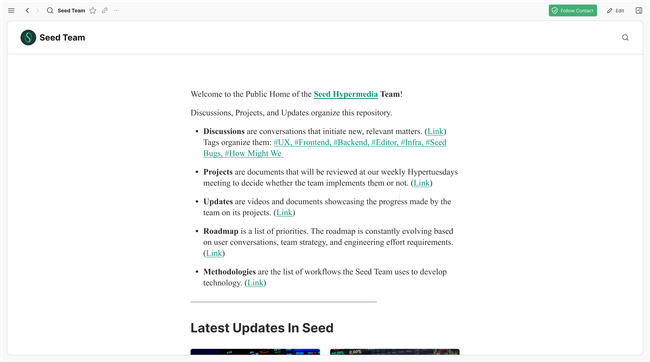
If the user Joins a site that is set to “Open membership” then they will gain the access set by that role. They will get told on the notification what permissions they have gained according to what has been set on the site. A new event will appear on the site feed notifying about the new member.
No membership
Document Settings
Document Access
All Tab
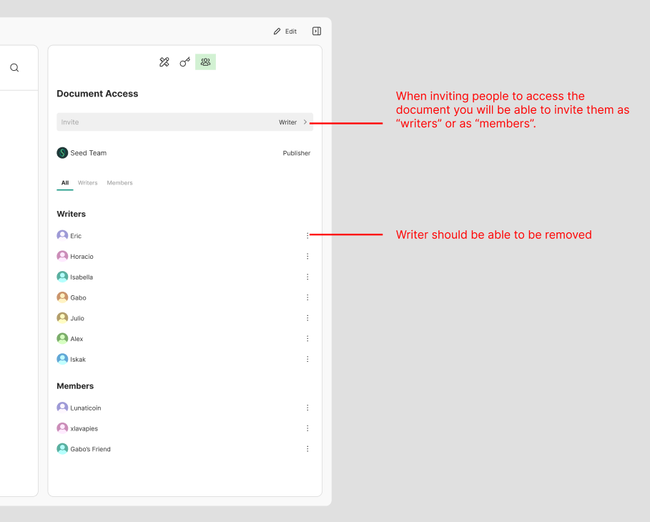
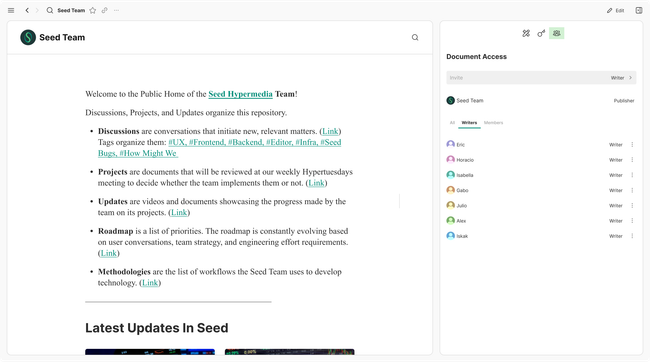
Writers Tab
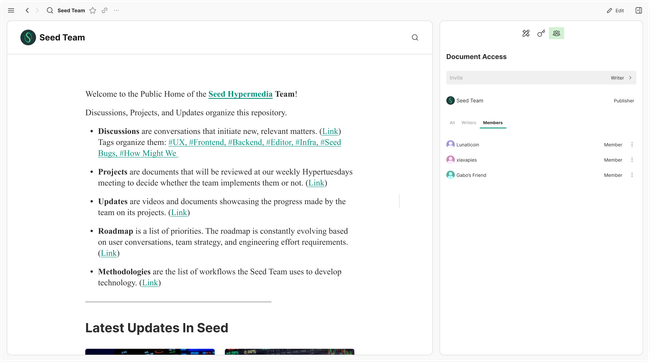
Members Tab
Do you like what you are reading? Subscribe to receive updates.
Unsubscribe anytime